 SpawnSweep
A Mac disk cleaner for developers and AI coding
Start with the largest developer directories you can rebuild, such as dependency folders in unused Git worktrees, and review simulator devices whose test data you no longer need. Stopping a server frees runtime resources. Recovering disk space requires removing selected files or devices.
Measure the likely sources of disk usage
Compare the size of each linked checkout to the main repository. Worktree source may be small while separately installed dependencies and build output are large. Measure one directory at a time so you know what the total represents. Replace the example path with the worktree or project you are reviewing.
git worktree list
du -sh "/path/to/worktree"
du -sh "$HOME/Library/Developer/Xcode/DerivedData"
Use the simulator guide to distinguish device data from installed runtimes. If a Compose project is involved, docker system df reports usage from the current Docker engine. How to review a local Compose stack
Choose where to reclaim space
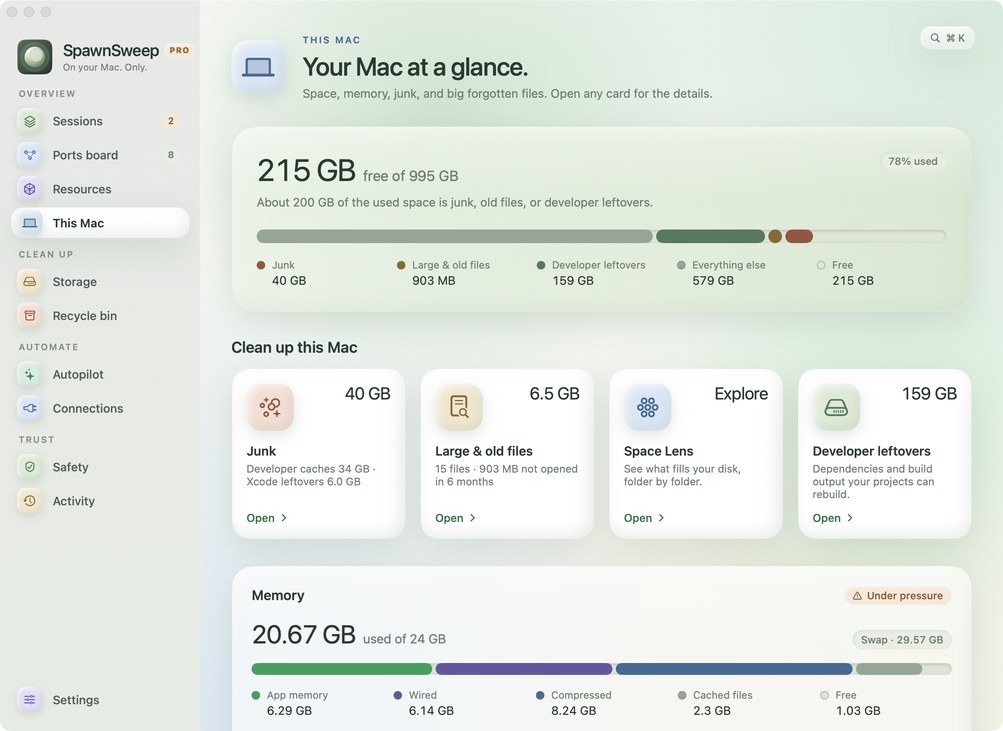
In SpawnSweep, This Mac summarizes storage and memory. Storage lists worktree sizes, unused simulator devices and Xcode DerivedData. Review Slim to remove eligible rebuildable worktree folders while keeping the checkout. The free app can review unused devices and orphaned Xcode build data. Pro adds broader app and developer cache cleanup and a large-file review.
Which files should I keep?
A file being ignored by Git does not mean it can be recreated. Keep secrets, local databases, test fixtures, signing material and any output that is hard to reproduce. Review candidates individually, especially in a folder used by an active build. Worktree removal and restoration · Free and Pro features