 SpawnSweep
A CleanMyMac alternative for AI coding sessions
SpawnSweep is an open-source option when your Mac cleanup starts with an AI coding session, a running dev server or a linked worktree. CleanMyMac covers general maintenance, including app removal and malware scanning. MacPaw also documents developer cleanup in its CleanMyMac CLI. CleanMyMac overview · CleanMyMac CLI overview
Match the tool to the task
| Your task | Where to start |
|---|---|
| A dev server from an old task owns port 3000 | Start with lsof -nP -iTCP:3000 -sTCP:LISTEN or review the listener in SpawnSweep Ports. |
| Parallel AI coding tasks left worktrees and dependencies | Review worktree status and size in SpawnSweep Storage or start with git worktree list. |
| App maintenance, uninstalling software or malware scanning | Review the scope of a general Mac maintenance app for the features you need. |
| Developer caches or build artifacts take up disk space | Check which directories you can rebuild and compare the tool’s cleanup scope with those directories. |
Check whether the problem is memory or disk
A running server or booted simulator can keep using runtime resources after the session ends. Dependencies and build output still occupy disk after processes stop. Use Activity Monitor to check memory and du -sh "/path/to/project" to measure a specific directory. Developer disk cleanup · Orphaned process cleanup
What does the free edition cover?
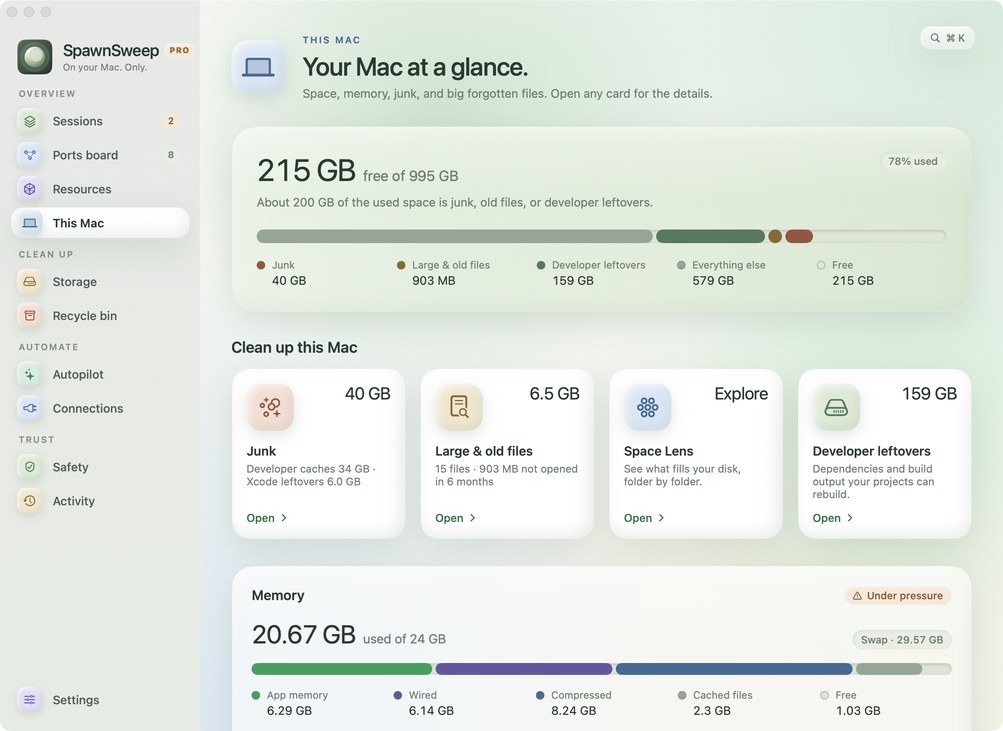
The free SpawnSweep app covers manual review of supported sessions, ports, worktrees, simulators and Docker stacks. Pro adds broader junk cleanup, large and old file cleanup, and automatic rule actions. Choose cleanup based on the processes or files you can identify and review. Compare free and Pro · Cleanup safeguards